
The all-in-one radio and CAD for your ER:LC community.
A realistic radio over your game, a full dispatch and records CAD, and a civilian panel with a real economy. Free to start.
Trusted by leading servers

From the first call to the final report.
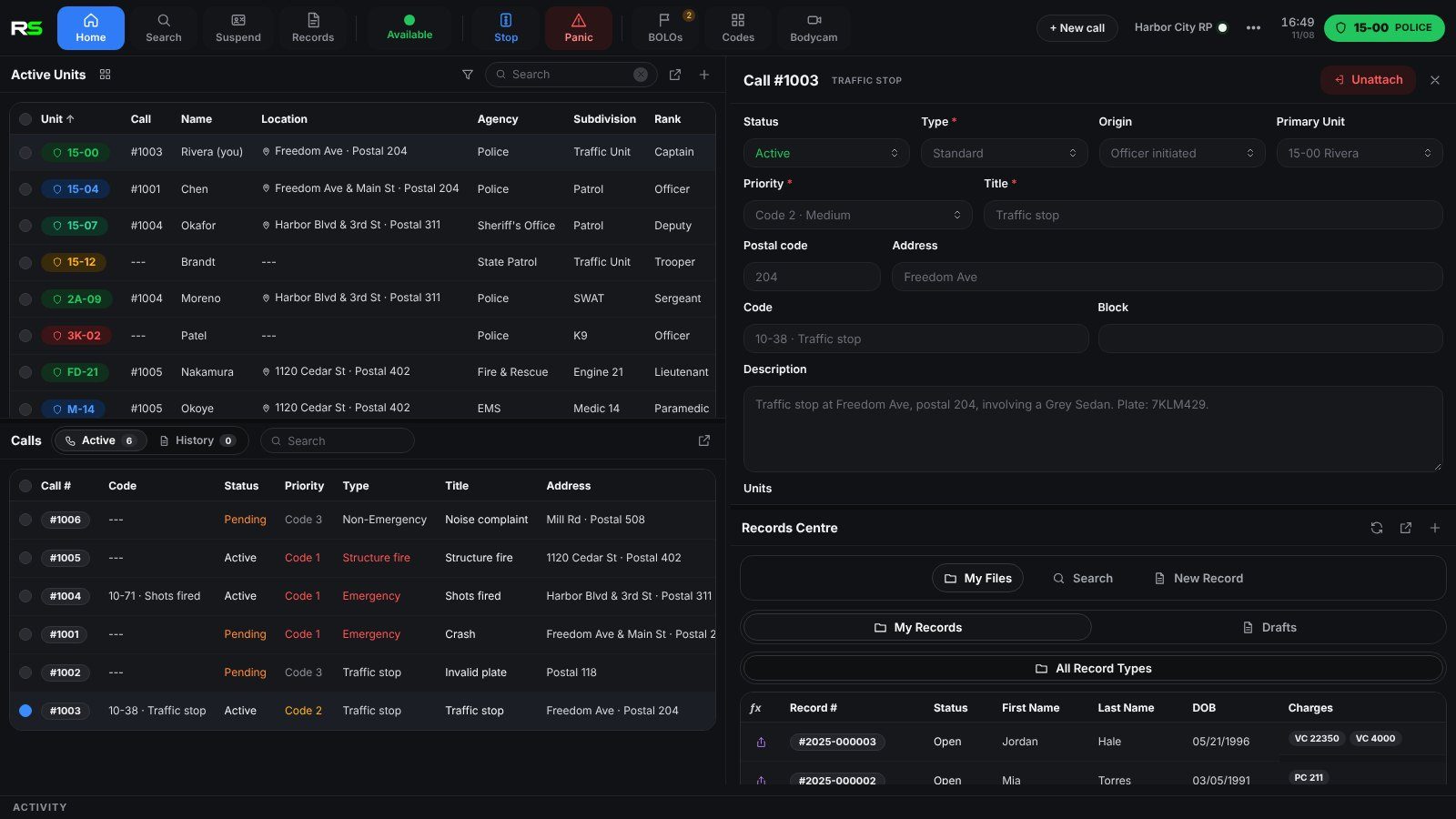
The CAD and the radio work together. Pick one to see it.
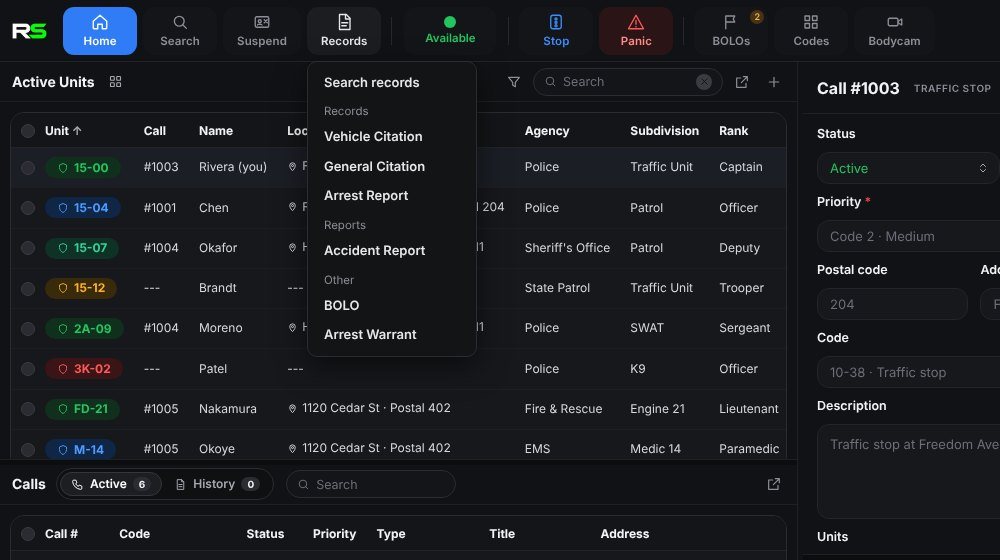
Reality Radio
A radio that stays on top.
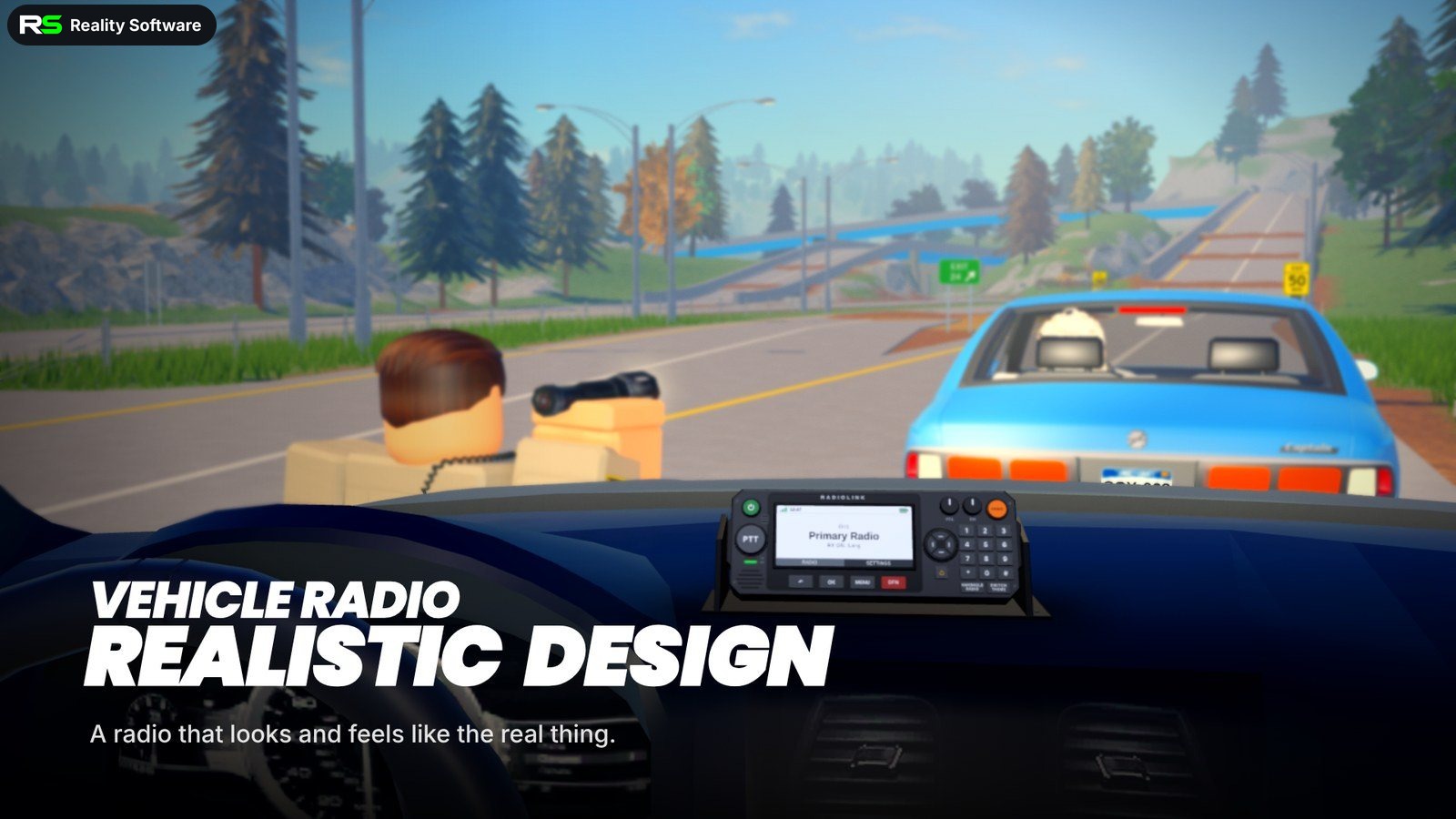
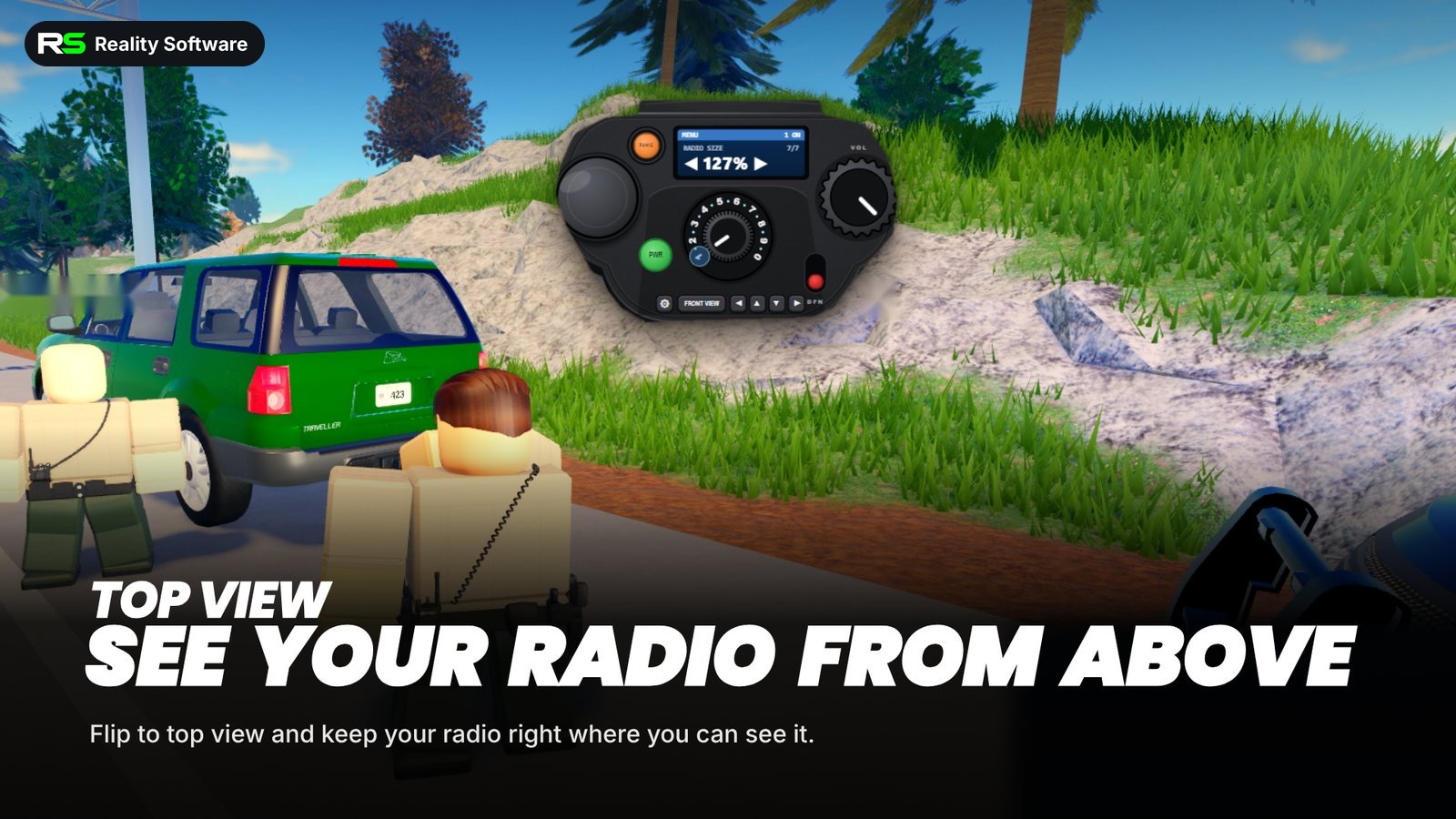
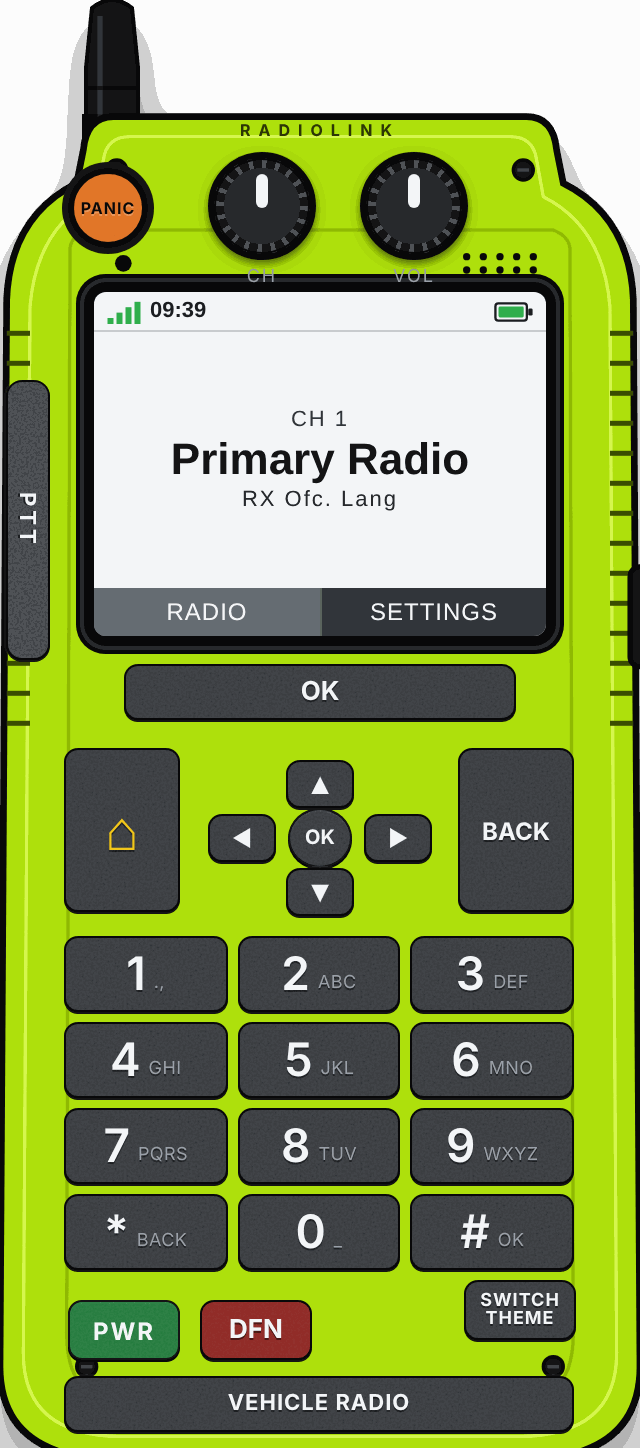
Ten channels, push to talk with your own mic, and a panic button, sitting over your game. Use the Windows app or the web radio.
- Vehicle, handheld and top-view designs
- Size it and drag it anywhere on screen
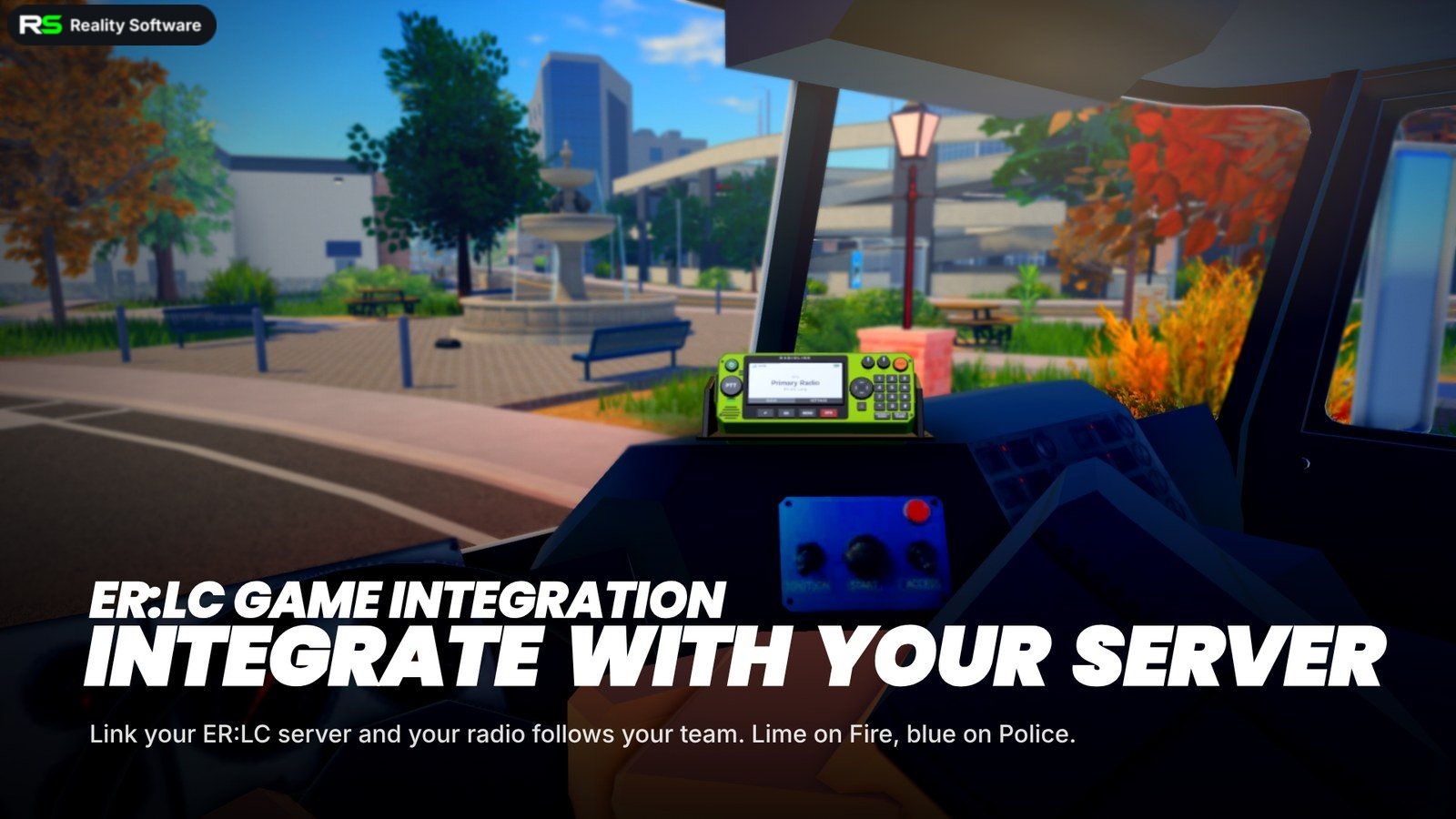
- Fire radio switches on when you join the Fire team in ER:LC
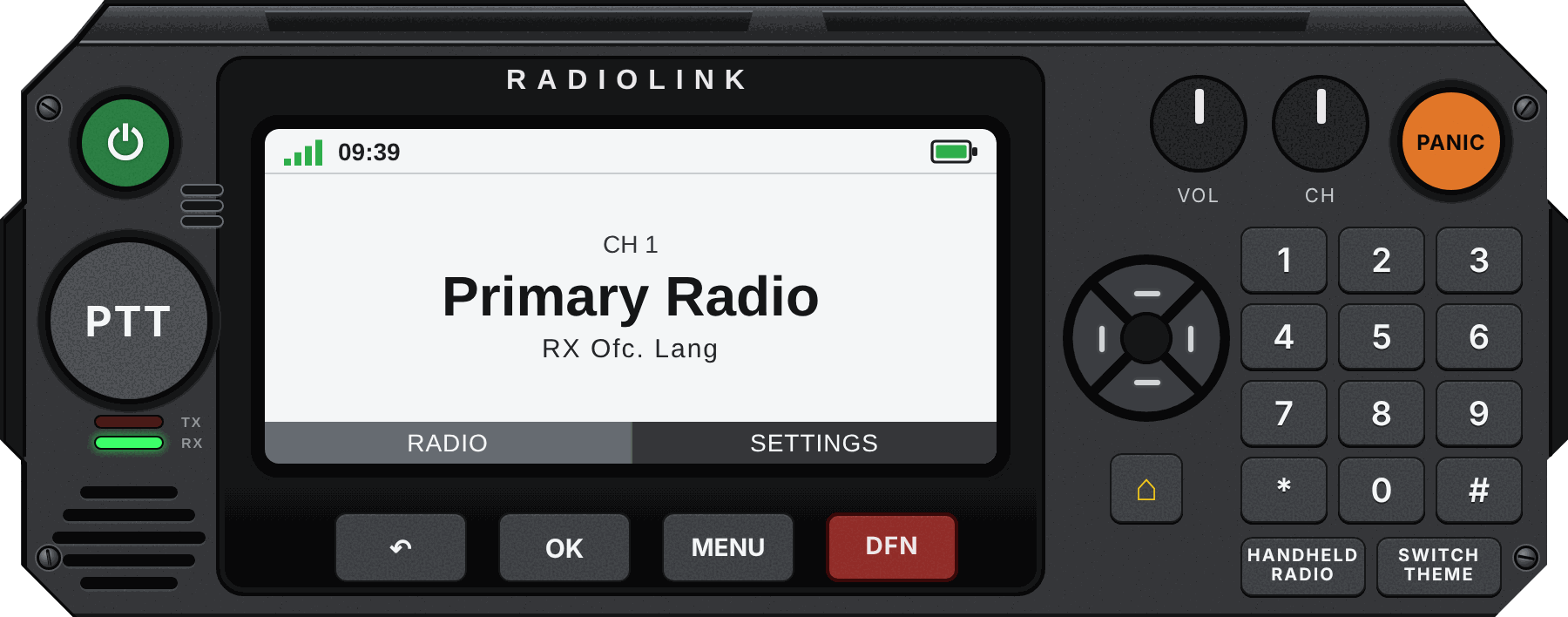
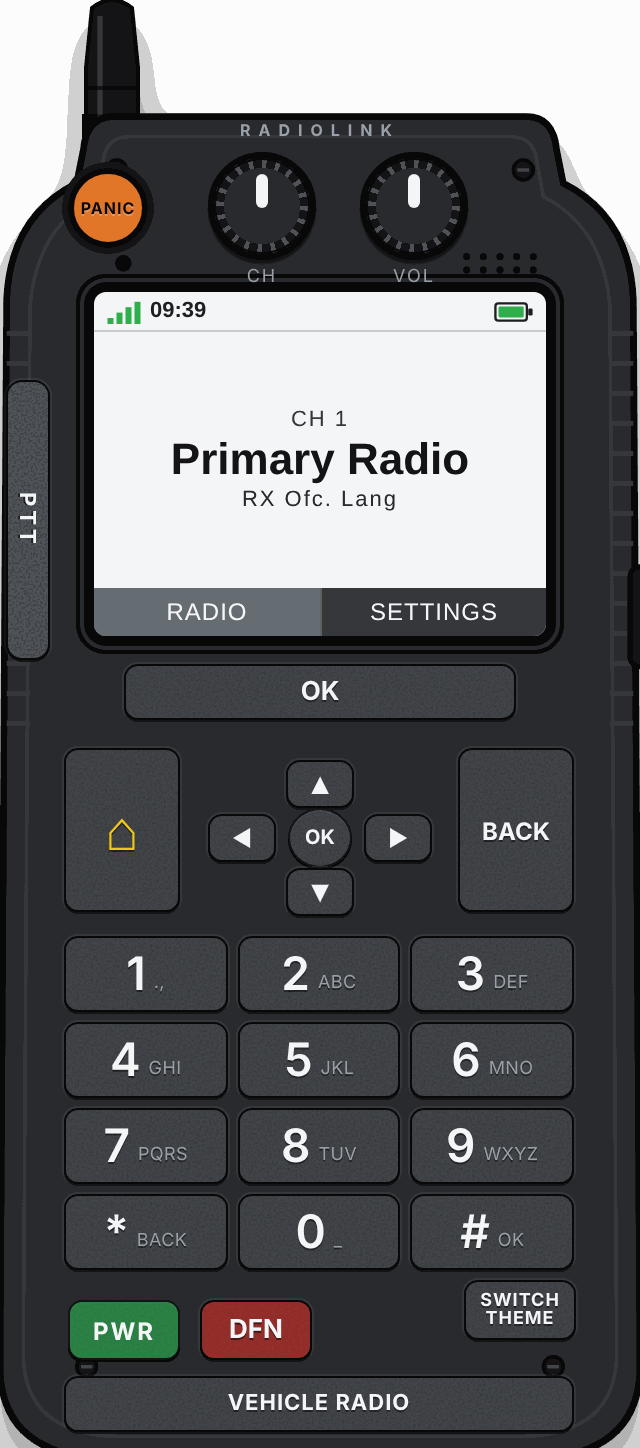
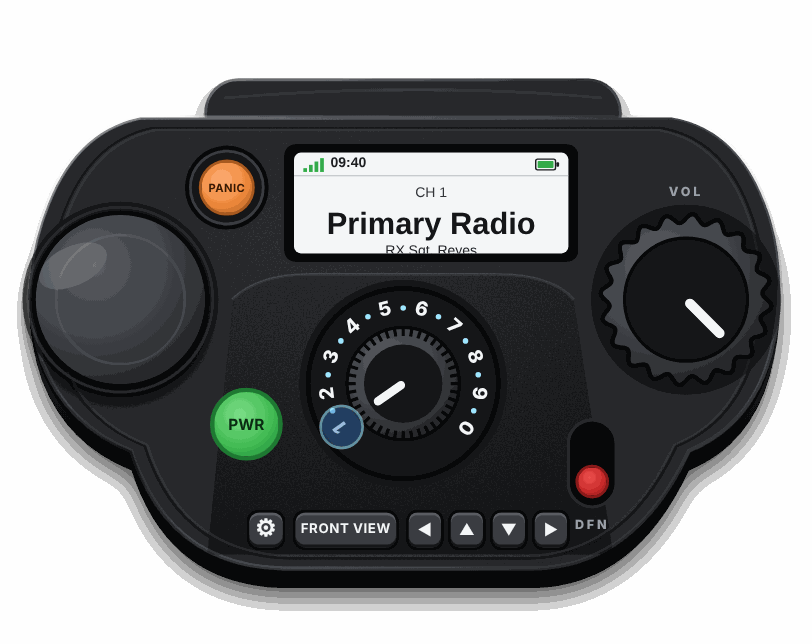
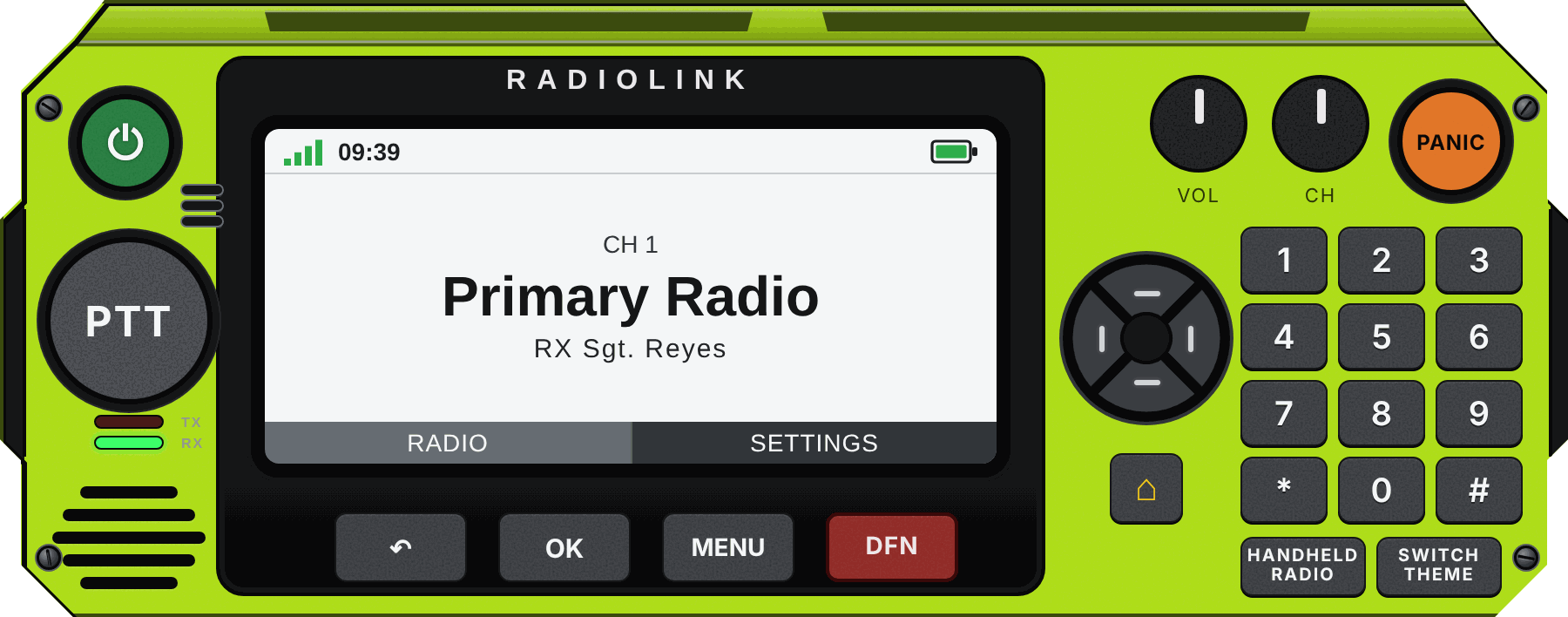
Vehicle Radio – a full dash console with a big screen and keypad.
Civilian panel
Civilians with a real life.
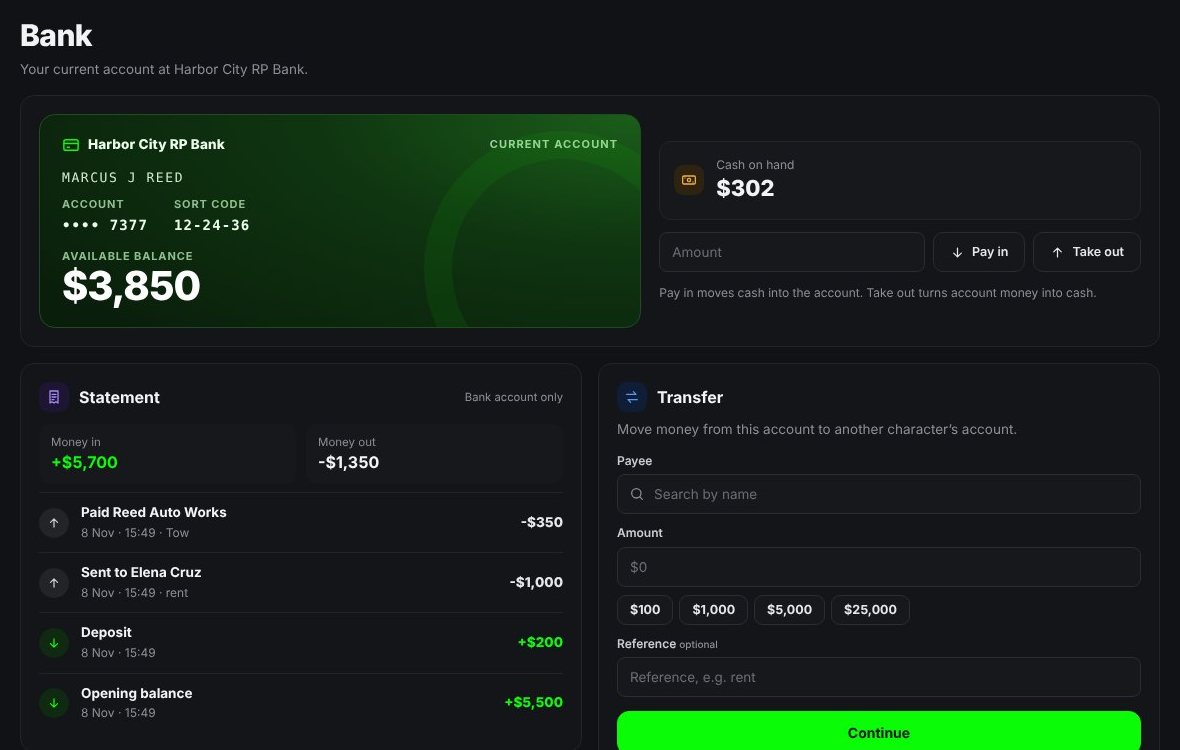
Characters with licences and vehicles, 911 and 311 calls, and now a bank, businesses and a casino.
- Bank account, cash and transfers between characters
- Register a business and get paid
- Court and DMV hubs for tickets, warrants and renewals
Try it
Try the radio.
These are the real radios (vehicle, top view and handheld), running here with pretend units. Press the keypad to pick a channel, hold PTT (or the space bar) to talk, turn the knobs with your mouse wheel, open Settings, and hit PANIC.
Pretend units and pretend traffic. Settings that need your account are switched off in the demo. The real radio shows the people in your own network.
How it works
Ready in three steps.
The person running the community sets it up once. Everyone else just types a code.
Make your network
Sign in with Discord on the dashboard, name your network and name your ten channels.
Share the code
Copy your invite code and post it in your community. Make a fresh one whenever you need to.
Everyone joins
Players open the radio, enter the code in Settings, pick a channel and start talking.
Start free. Grow with Plus.
Make your server in a minute. Add Plus when you want the full CAD and civilian tools.